
Build Your Roofing Site in 7 Simple Steps
WebZum walks roofers through the entire process—from business name to live website to first leads—in under 5 minutes. No design skills. No waiting. No credit card upfront.
Enter Your Business Name
Visit WebZum and type your roofing company's name and location. If they're already online, WebZum pulls in your existing info. If you're brand new, just tell them what you do.
⏱️ Takes 10 seconds
Answer Questions About Your Services
WebZum asks a few simple questions: Do you do emergency repairs? Roof replacements? Storm damage restoration? What's your service area? Your answers help the AI understand your specific roofing niche.
⏱️ Takes 1 minute
AI Researches and Builds Your Site
Watch live as the AI gets to work. It researches your local roofing market, studies competitors, writes SEO-optimized copy for every page, generates custom roofing images, creates your logo, and designs a multi-page, mobile-responsive website. You see every step unfold in real time.
⏱️ Takes ~4 minutes
Preview Your Site for Free
Your roofing website is now ready to preview. No credit card needed. No commitment. See the full site with all pages, custom images, your logo, and the AI chatbot ready to capture leads. Everything is fully functional.
✓ Completely free, no strings attached
Edit by Chat If You Want Changes
Want to tweak something? No need to learn design tools. Just chat with the AI: "Add a financing section," "Change the hero headline to emphasize emergency repairs," or "Swap out that image." The AI updates your site instantly. No design skills required.
✓ Unlimited edits, no extra cost
Subscribe to Go Live
Ready to start generating leads? Choose a plan: Starter ($19/mo) with a WebZum subdomain, or Pro ($34/mo) with your own custom domain. No setup fees. Cancel anytime. No contracts.
✓ Both plans include hosting, SSL, and the 24/7 lead-capture chatbot
Share with Customers and Start Getting Leads
Your roofing site is now live. Add it to your Google Business Profile so homeowners find you in local search. Share on social media, email signature, and with existing customers. The AI chatbot starts capturing leads 24/7—answering questions, qualifying inquiries, and sending you lead notifications while you're on jobs.
✓ Leads come in automatically
Key Takeaway:
Your total time invested: ~10 seconds. WebZum handles the research, writing, design, images, logo, SEO setup, and lead capture. You just describe your business, preview, and go live. No design skills. No waiting for designers. No guessing what to write. No upfront cost to try.
Build Your Roofing Site FreeLive in 5 minutes. No credit card required.
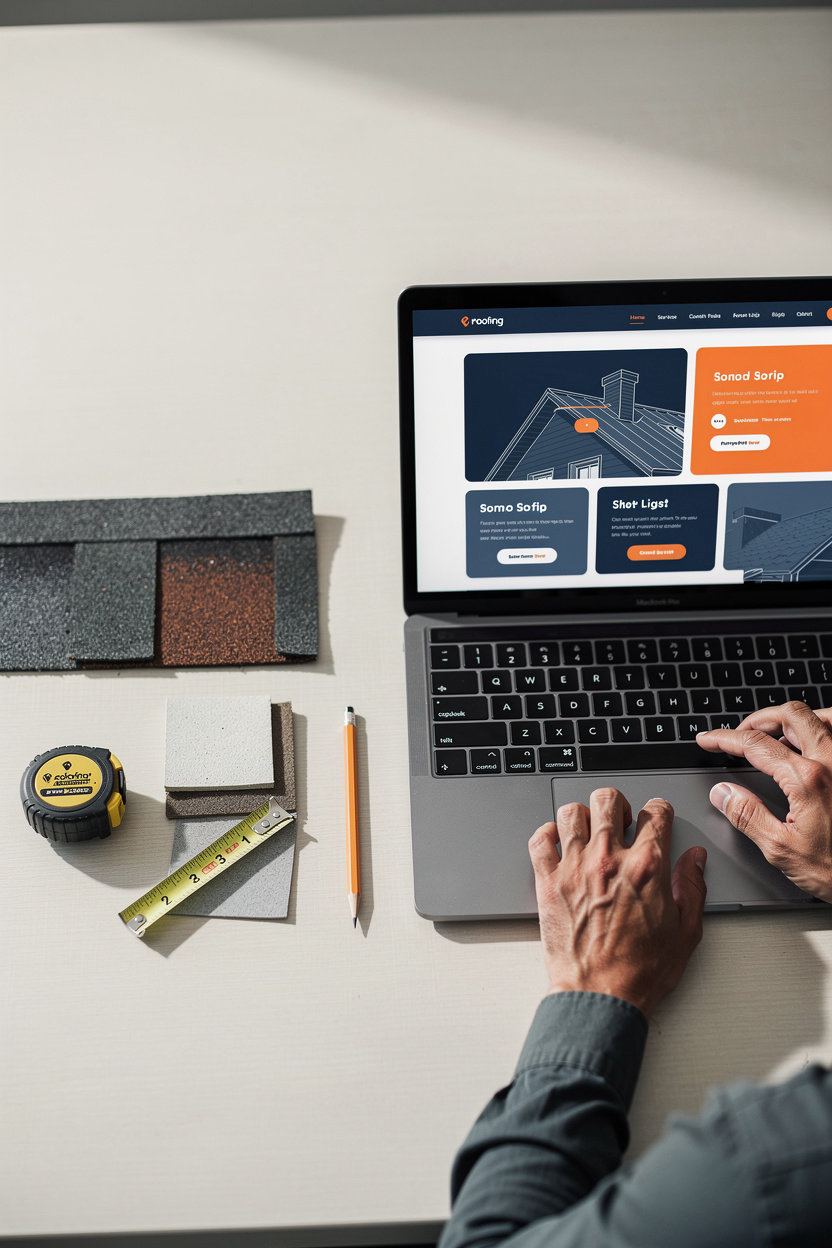
Build Your Roofing Site Free. No Credit Card. No Risk.
WebZum lets roofers build and preview a complete website entirely free. No credit card required. No email required (though you can add one). No commitment. See exactly what you'd get before you pay a dime.
What You Get in the Free Preview
See Your Site in Real Time
Watch the AI research your roofing market, write copy, generate images, and design your site. Live progress updates. No guessing what you'll get.
Fully Functional Preview
Not a mockup. A real, working website with all pages, custom roofing images, your AI logo, and the 24/7 chatbot—exactly as it would appear live.
Edit by Chat, Unlimited
Want to change the headline? Add a financing section? Change a photo? Tell the AI what you want. No design skills. No learning curve. Unlimited edits in the preview.
Zero Risk
If you don't like it, don't pay. If you love it, subscribe and go live. No downside to trying. No hidden fees. No surprises.
Real Example: A Roofer in Houston
Monday morning: A roofer in Houston spends 10 minutes on WebZum. Types his business name, answers 5 questions about his roofing services (emergency repairs, replacements, storm damage, service area).
The AI builds: Researches Houston roofing market. Writes unique copy for Home, Services, About, Contact, FAQ pages. Generates 5 custom roofing images (emergency repairs, replacement, before/after, team photo). Creates a logo. Sets up SEO. Builds the chatbot.
He sees the preview: 4 minutes later, his site is live in preview. Looks professional. Custom images. Real copy. Chatbot responds to questions. He edits the headline by chat. Changes one image. Done.
He goes live: Subscribes to the Pro plan ($34/mo). Gets a custom domain (roofinghouston.com). Site is live.
Results: Week one: 2 leads from Google. One is a $5k roof replacement. Week two: 3 more leads. Site paid for itself on day 5.
Why the Free Preview Removes All Risk
You See Before You Pay
Other website builders expect you to learn their editor, design your site, and then commit. WebZum shows you the finished product first. No surprises. No "I didn't realize it would look like that."
No Credit Card Needed
You can't accidentally get charged. You can't forget to cancel. The preview is completely free. Only when you decide to go live do you pay—and you know exactly what you're paying for.
No Commitment
Preview your site for as long as you want. Edit it by chat. Share it with people for feedback. Only subscribe when you're ready. There's no pressure and no downside to exploring.
How to Build Your Free Preview (3 Steps)
Visit WebZum
Go to WebZum's website. Click "Build My Website Now" or "Get Started Free." No login required yet.
Answer Questions
Type your business name and location. Answer 5–7 quick questions about your roofing services (emergency repairs, replacements, storm damage, service area, etc.). Takes 10 seconds.
See Your Site
Watch the AI build your site in real time. 4 minutes later, your preview is ready. Full website, all pages, chatbot, images, logo. Edit by chat if you want changes.
Common Concerns About the Free Preview
Will the preview be limited or incomplete?
No. The preview is the full, real website. All pages, all features, the chatbot, everything. It's not a mockup or a limited demo. If you went live tomorrow, this is exactly what your customers would see.
Will WebZum ask for my credit card during the preview?
No. The free preview doesn't require a credit card. You only enter payment information when you decide to go live and subscribe to a plan.
How long can I keep the preview before deciding?
As long as you want. There's no expiration date on the free preview. Keep it for a day, a week, a month—whatever it takes to feel confident about going live.
What if I don't like it?
You can edit by chat—tell the AI what you want changed and it updates. If you still don't like it after edits, simply don't subscribe. You've lost nothing. No payment, no commitment.
Ready to See Your Roofing Site?
Build a complete, professional roofing website free in 5 minutes. No credit card. No email. No risk. See exactly what you'd get before you pay.
Build Your Site Free in 5 MinutesNo credit card required. Takes about 5 minutes. See your preview instantly.
Final Checklist: Before You Go Live
Once you've built and previewed your roofing site on WebZum, here's what to do before going live to maximize leads and ensure your chatbot is ready to capture business.
Subscribe to Starter or Pro Plan
Choose Starter ($19/mo) for a subdomain or Pro ($34/mo) for a custom domain. Your site is live the moment you subscribe.
Choose Your Domain
Pro plan includes a custom domain registered and managed by WebZum. Starter uses a WebZum subdomain. Either way, you're live immediately.
Add Business Hours and Service Area to the Chatbot
Tell the chatbot your service hours and the areas you cover. This helps it answer questions like "Do you work weekends?" and "Do you serve my zip code?"
Customize the Chatbot Greeting (Optional)
Personalize the greeting message. Instead of a generic "Hello," try "Hi! Got a roof question? I'm here to help." Optional but recommended for a personal touch.
Set Up Email Notifications for New Leads
Configure your email address to receive instant notifications when the chatbot captures a lead. Don't miss a single inquiry.
Test the Chatbot by Asking a Question
Visit your live site and test the chatbot. Ask something like "Do you do emergency repairs?" or "What's your service area?" Make sure it responds as expected.
Add Your Site to Google Business Profile
Link your new WebZum site to your Google Business Profile. This helps homeowners find you when they search for roofing services in your area.
Share on Social Media and Email Signature
Post your new site on Facebook, Instagram, or LinkedIn. Add it to your email signature. The more places it appears, the more traffic it gets.
Tell Your Customers About Your Site
Mention it in person, in email quotes, on invoices, and in conversations. "Check us out at [your domain]" is a simple way to drive traffic.
Monitor Lead Notifications and Respond Within 24 Hours
When the chatbot captures a lead, you'll get an email. Call or text them back promptly—the faster you respond, the more likely they'll hire you.
That's it. Once you've checked these boxes, your roofing site is live and ready to generate leads. The chatbot works 24/7. You just need to respond to the inquiries it captures.
Build Your Roofing Site Free in 5 MinutesReady to generate leads with a website builder made for roofing contractors?
You've seen why WebZum is the best choice for roofing contractors. You've learned how it works. You've seen the pricing. You know the free preview is risk-free.
Research-driven approach — your site targets your actual market, not generic homeowners.
24/7 lead capture — AI chatbot answers questions and captures contact info while you work.
No blank canvas — describe your business in plain English, AI handles everything else.
5-minute launch — go live this week and start generating leads immediately.
Build your roofing site free in 5 minutes.
No credit card. No commitment. See exactly what you'd get. If you love it, subscribe and start generating leads. If not, no harm done.
Most roofing contractors get 3–5 leads in their first month. One job covers months of WebZum.
Trusted by roofing contractors, law firms, salons, and 1,900+ other businesses.
Sites Built
Avg Build Time
Uptime